How do I find the IPA file after a successful build?
Last updated: February 27, 2026
Context
After running a successful build in Codemagic, you may be looking for the generated IPA file to download and use for your iOS application deployment or testing.
Answer
The IPA file appears under the Artifacts section on the build details page, but it must first be exported as an artifact in your codemagic.yaml configuration file.
To configure artifacts in your codemagic.yaml, add the following section:
artifacts:
  - build/ios/ipa/*.ipa
  - /tmp/xcodebuild_logs/*.log
Once you've added this configuration:
Run a new build with the updated configuration
Navigate to your build details page
Look for the Artifacts tab or section
Download the IPA file from there
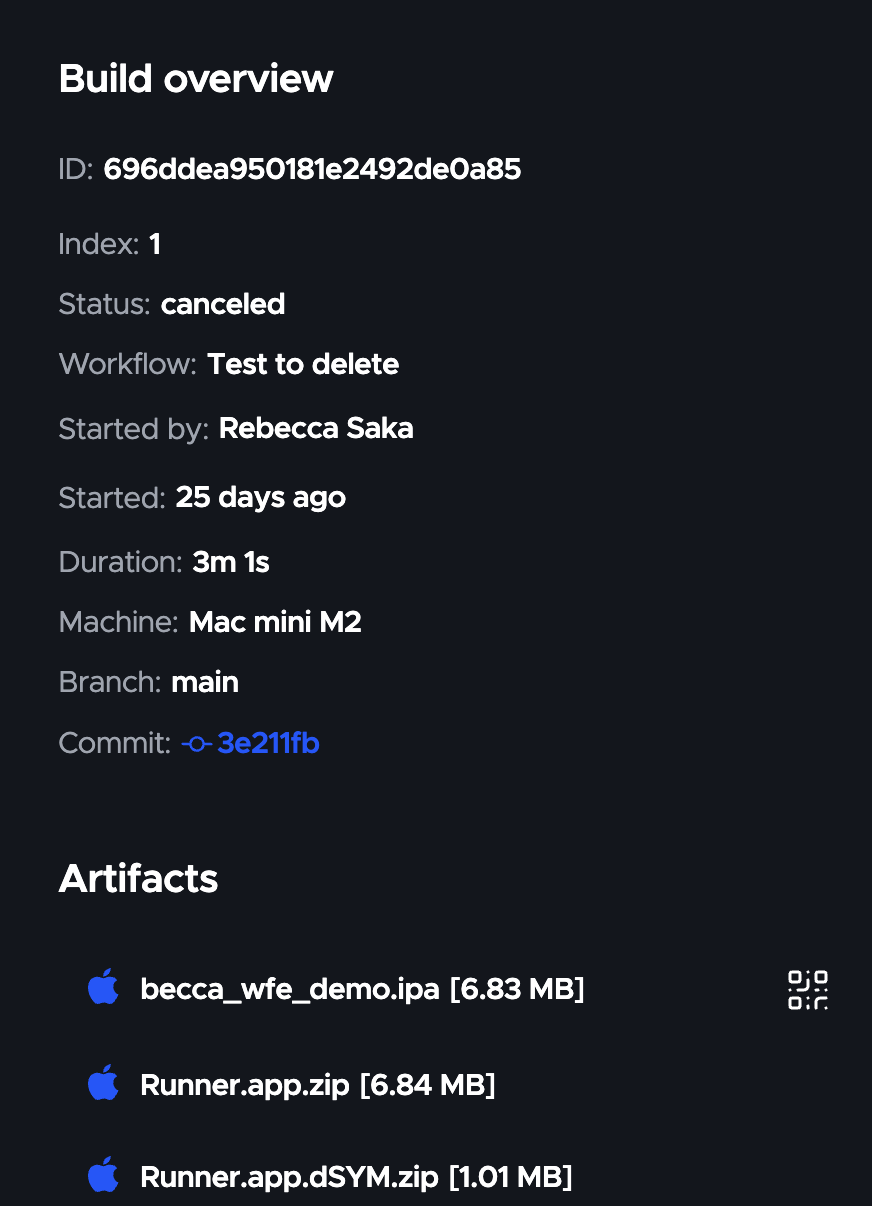
The artifacts configuration tells Codemagic which files to preserve and make available for download after the build completes.