Why am I getting a "CDN: trunk URL couldn't be downloaded... Error in the HTTP2 framing layer" error with CocoaPods?
Last updated: October 5, 2026
Context
When running a build with CocoaPods 1.16.0 or later, you may encounter the following error:
CDN: trunk URL couldn't be downloaded... Error in the HTTP2 framing layer
This occurs because the HTTP/2 connection to cdn.jsdelivr.net fails when attempting to download the podspec.
Answer
There are two steps you can take to resolve this issue:
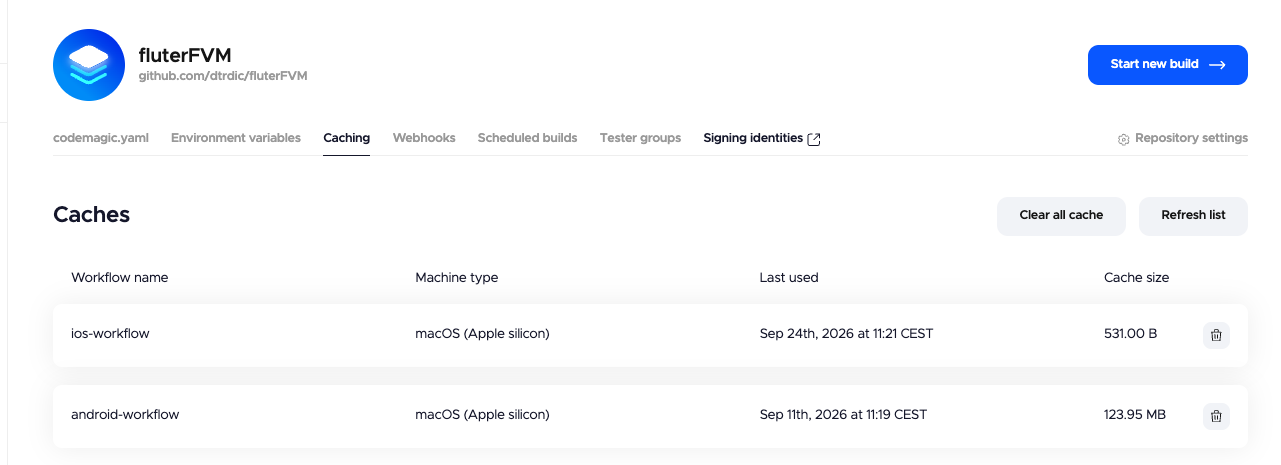
Clear the build cache. Trigger a new build with the "Clear cache" option enabled for your workflow. This forces the runner to pull fresh dependencies instead of relying on a potentially stuck or corrupted cache.
Bypass the CDN by using the Git specs source. If the issue persists after clearing the cache, add the following line explicitly to the top of your
ios/Podfileto bypass the CDN entirely:source 'https://github.com/CocoaPods/Specs.git'