How do I send build notifications to Google Chat?
Last updated: July 23, 2026
Context
Unlike Slack, Codemagic does not have a native Google Chat integration. However, you can use Google Chat's incoming webhooks along with Codemagic's post-build and post-publishing scripts to send build result notifications to a Google Chat space.
Answer
Follow these steps to set up Google Chat build notifications in Codemagic:
Create an incoming webhook in your Google Chat space. In your Google Chat space, go to Apps & Integrations, then add a new webhook. Copy the generated webhook URL.
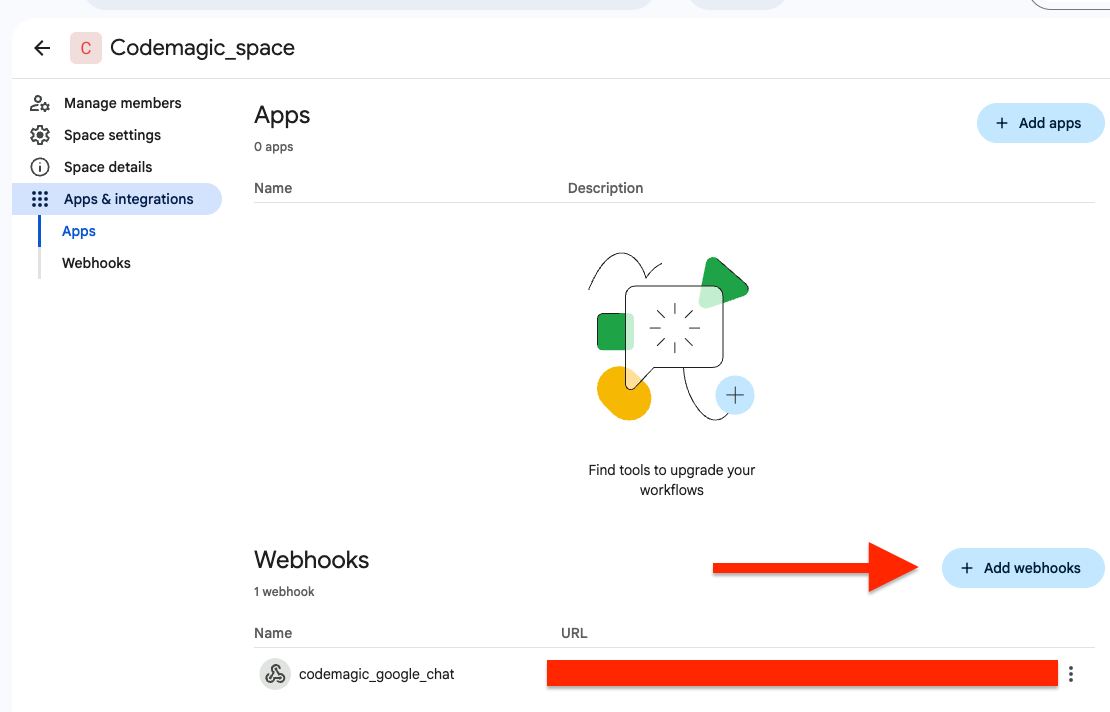
Store the webhook URL as a Codemagic secret environment variable. In your Codemagic app settings, add the webhook URL as an environment variable (for example,
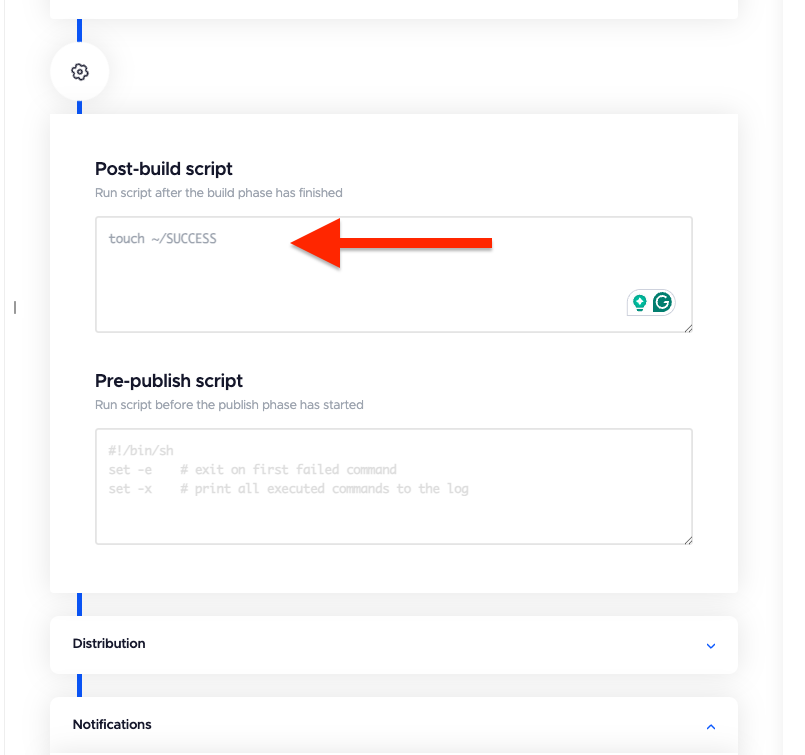
GOOGLE_CHAT_WEBHOOK).Add a post-build script to mark a successful build. In the Post-build script section, add the following command:
touch ~/SUCCESSThis creates a marker file only when the build steps complete successfully. Since the publishing step runs even if the build fails, this file is used later to determine the actual build outcome.
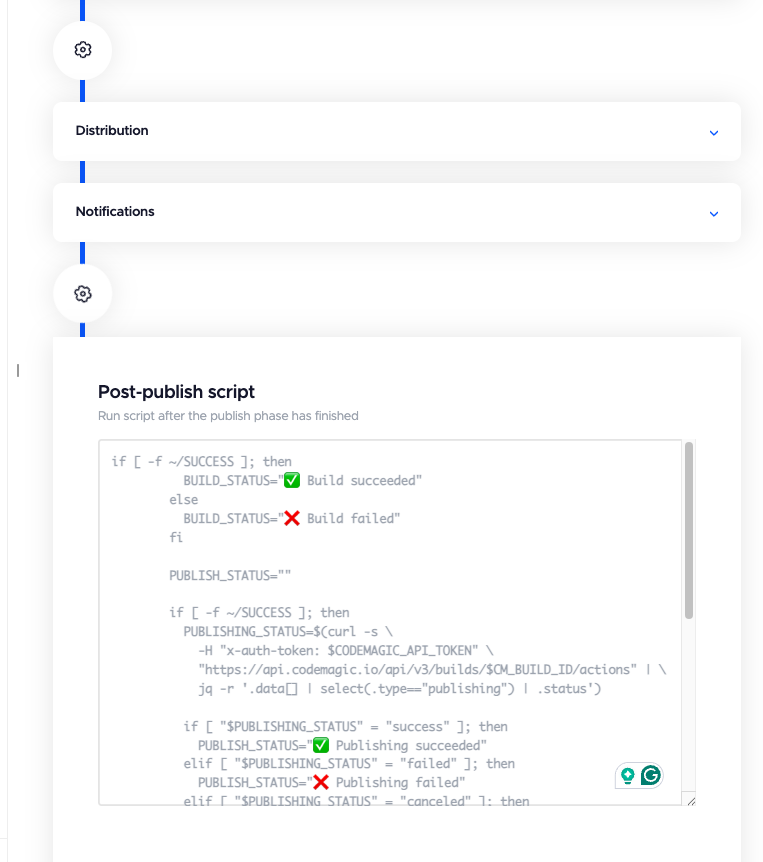
Add a post-publishing script to send the notification. In the Post-publishing script section, add the following script:
if [ -f ~/SUCCESS ]; then
  BUILD_STATUS="success"

  ACTIONS=$(curl -s \
    -H "x-auth-token: $CODEMAGIC_API_TOKEN" \
    "https://codemagic.io/api/v3/builds/$CM_BUILD_ID/actions")

  PUBLISHING_STATUS=$(echo "$ACTIONS" | \
    jq -r '.data[]? | select(.type=="publishing") | .status // empty')

  if [ "$PUBLISHING_STATUS" = "failed" ] || [ "$PUBLISHING_STATUS" = "canceled" ]; then
    BUILD_STATUS="failed"
  fi
else
  BUILD_STATUS="failed"
fi


if [ "$BUILD_STATUS" = "success" ]; then
  STATUS="✅ Build succeeded"
else
  STATUS="❌ Build failed"
fi


curl -s -X POST "$GOOGLE_CHAT_WEBHOOK" \
  -H "Content-Type: application/json; charset=UTF-8" \
  -d "{
    \"text\": \"$STATUS

Workflow: $CM_WORKFLOW_NAME
Branch: $CM_BRANCH
Commit: ${CM_COMMIT:0:7}

Build URL:
https://codemagic.io/app/$CM_PROJECT_ID/build/$CM_BUILD_ID\"
  }"
This setup ensures that Google Chat receives a notification with the build status (success or failure), workflow name, branch, commit hash, and a direct link to the build — regardless of whether the build succeeded or failed.