Why did my Codemagic webhook trigger but no build was started?
Last updated: October 3, 2026
Context
You pushed a commit to a branch on GitHub, received a 202 Webhook received response from Codemagic, but no build was triggered. The workflow and its branch patterns appear to be correctly configured in codemagic.yaml.
Answer
This can occasionally happen as a transient, one-off issue with a specific push event. If a subsequent push to the same branch triggers the build successfully and no further problems occur, no configuration changes are needed.
To help diagnose the issue, you can check the webhook delivery details in Codemagic:
Go to Apps → Webhooks → Recent Deliveries.
Look at the status message for the affected delivery.
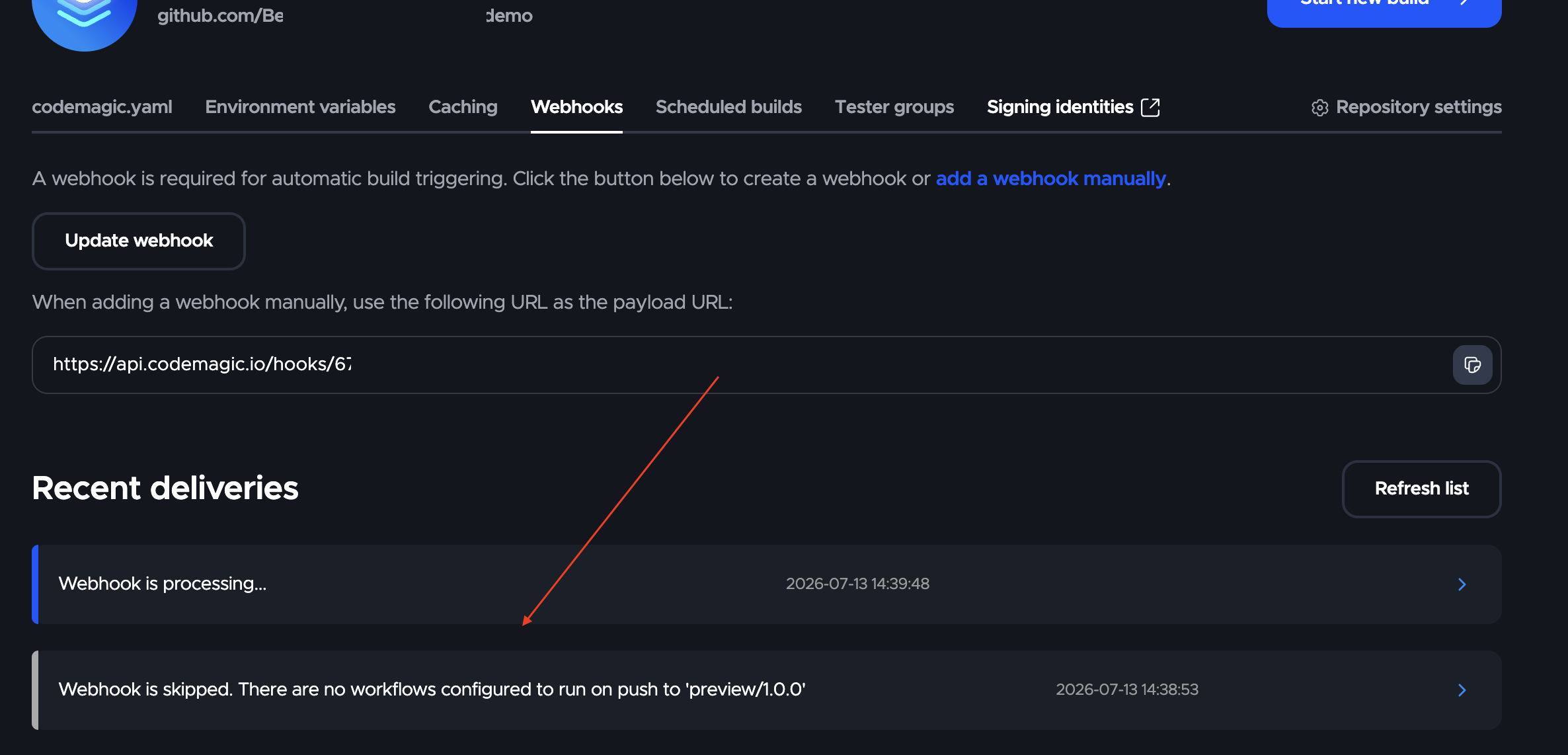
The skip message can help you distinguish between two different situations:
"Branch 'x' does not match any branch patterns from codemagic.yaml" — A workflow was found, but the pushed branch did not match its
branch_patterns. Review your branch pattern configuration."There are no workflows found for '<commit-sha>'" — Codemagic read the
codemagic.yamlat that exact commit and found no workflows at all. Note that Codemagic evaluates thecodemagic.yamlfrom the pushed commit itself, not from another branch. Verify that the workflow definition is present in thecodemagic.yamlat that specific commit by running:git show <commit-sha>:codemagic.yaml
If the webhook was skipped due to a transient issue (i.e., the configuration looks correct and subsequent pushes work fine), you can try the following to recover:
Trigger a manual build on the affected commit from the Codemagic dashboard.
Push a new commit to the branch to trigger the webhook again, or use the Redeliver option in the GitHub webhook settings.
If the problem persists across multiple pushes, please contact Codemagic support for further investigation.