Why am I getting "You have reached the maximum number of sessions allowed" error?
Last updated: July 27, 2026
Context
You may encounter the error message "You have reached the maximum number of sessions allowed for your account. Please stop ongoing sessions or contact support to increase the limit." when trying to start a new App Preview session in Codemagic. This happens when you have reached your account's session limit.
Answer
This error occurs when you didn't properly close a previous session before starting a new one. Here's how to resolve it:
Go to the App Preview Section of your Codemagic Dashboard
Manually close all ongoing sessions from this section
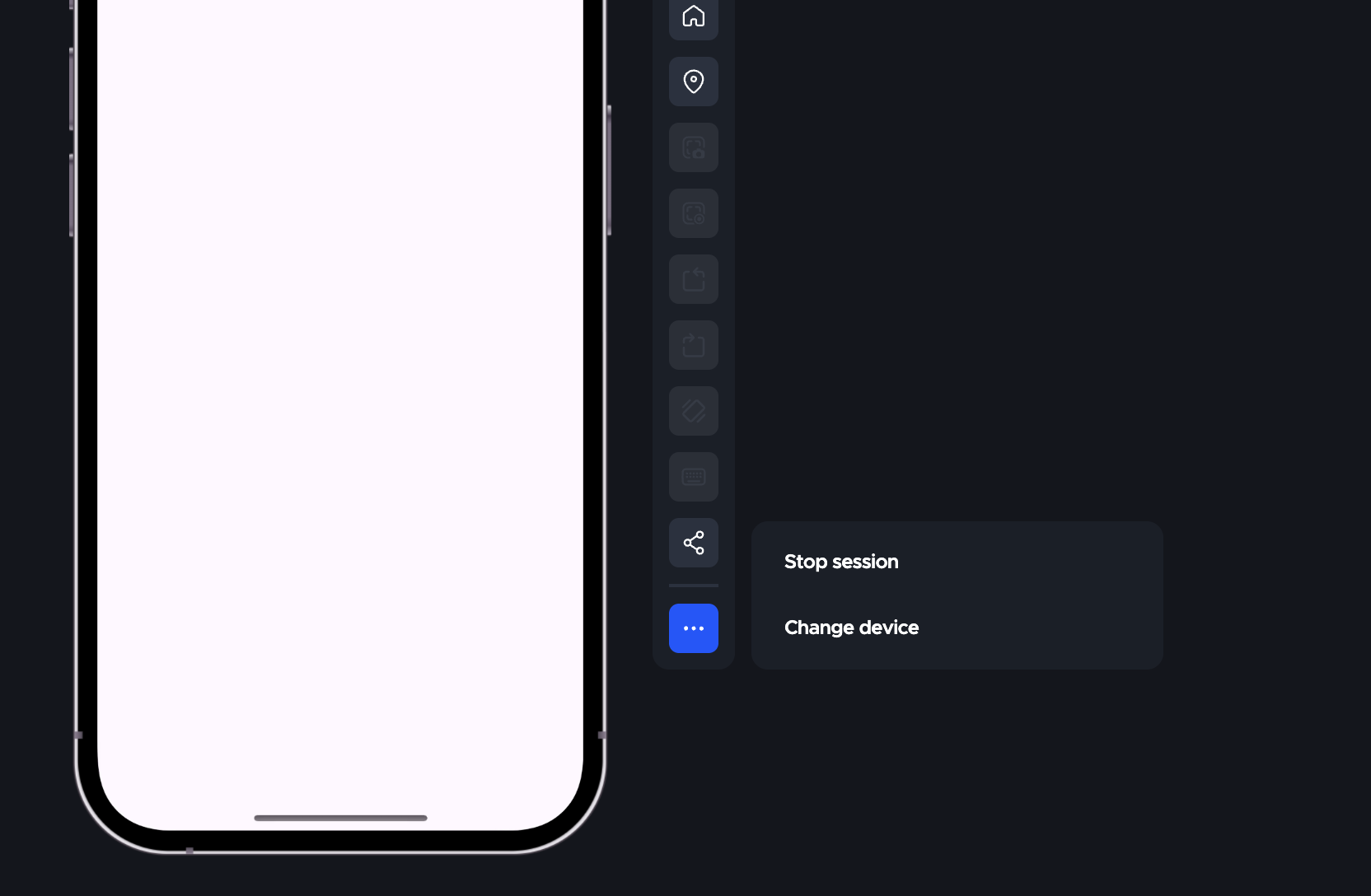
If you don't manually close the sessions, they will automatically close after 20 minutes of inactivity.
Need more concurrent sessions?
If you require additional session concurrency beyond the default limit, this feature is available as a paid upgrade. Extra session concurrency costs $3,990/year and is currently only available on fixed annual plans.