Can I run two concurrent builds with the Pay-as-you-go plan?
Last updated: August 6, 2026
Context
You may want to run multiple builds at the same time to speed up your CI/CD pipeline. This article explains whether concurrent builds are supported on the Pay-as-you-go subscription and how to enable them.
Answer
Concurrent builds are only available on Team plans. If you are on a lower-tier plan, you will need to upgrade to a Team plan first.
Once you are on a Team plan, you can increase your build concurrency by following these steps:
Go to Billing
Select CI/CD
Click Manage subscription
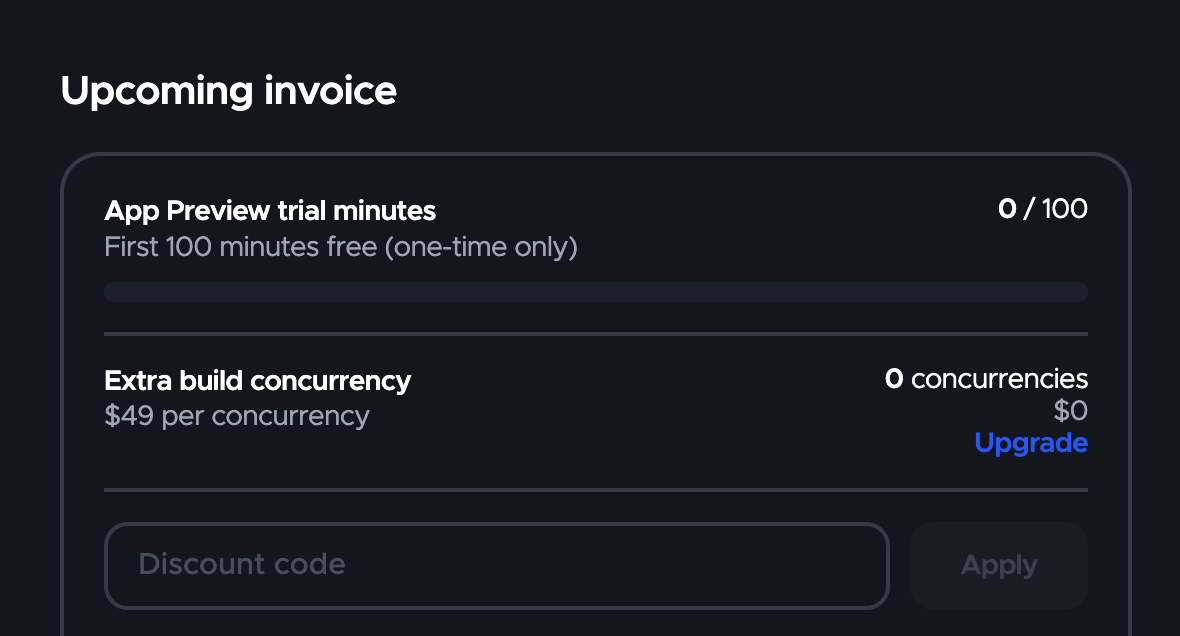
Navigate to Upcoming invoice
Find Extra build concurrency and click Upgrade
Note: The pay-as-you-go subscription allows a maximum of 3 concurrent builds. If more is needed, you will need to upgrade to a fixed pricing plan. Contact the Codemagic team for more information