Why am I getting "No matching profiles found" when starting a build?
Last updated: September 1, 2026
Context
When running an iOS build on Codemagic with Code Signing Identities, you may encounter the following error before a build starts:
No matching profiles found for bundle identifier "com.example.app" and distribution type "app_store"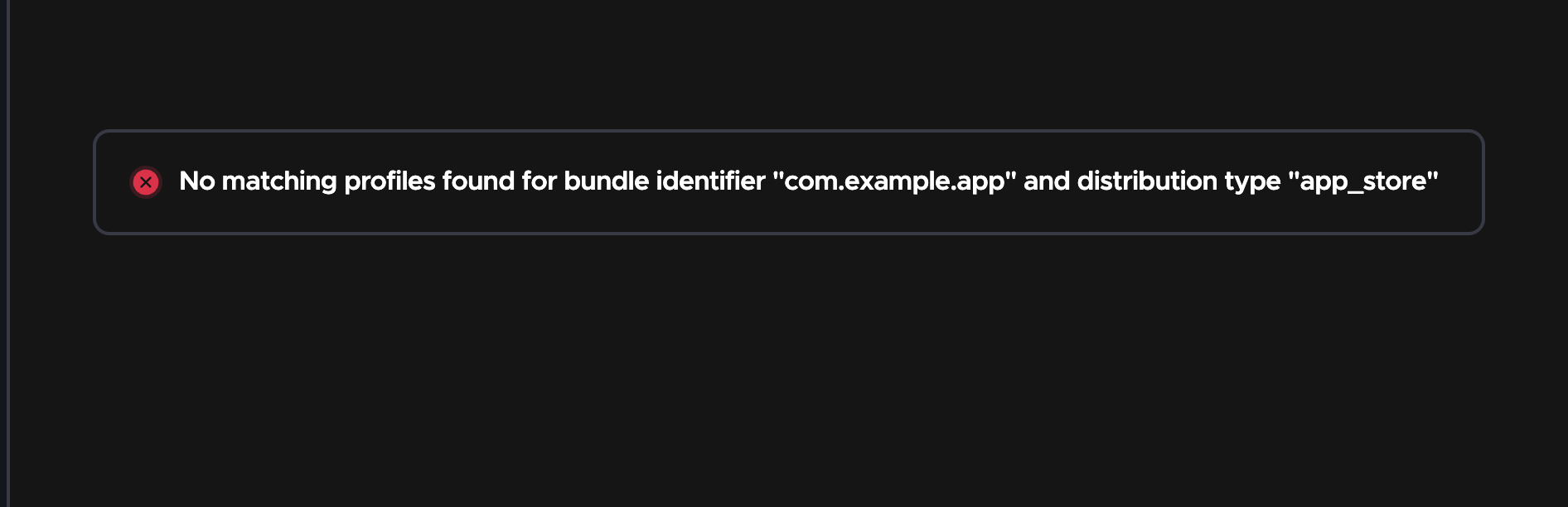
This error occurs when the provisioning profile referenced in your codemagic.yaml configuration has not been uploaded to Codemagic.
Answer
This error means that Codemagic cannot find a valid provisioning profile matching your bundle identifier and distribution type. When using code signing identities in your codemagic.yaml (as shown below), you need to upload and manage your signing certificates and provisioning profiles in team settings:
ios-workflow:
  name: iOS Workflow
  environment:
    ios_signing:
      distribution_type: app_store
      bundle_identifier: com.example.app
To resolve this, follow these steps:
Go to Your Team or Personal account settings > Code Signing Identities > iOS Provisioning Profiles.
Ensure that a valid provisioning profile exists for your bundle identifier and the correct distribution type (e.g.,
app_store) that is specified incodemagic.yamlIf no matching profile exists, upload the correct provisioning profile.
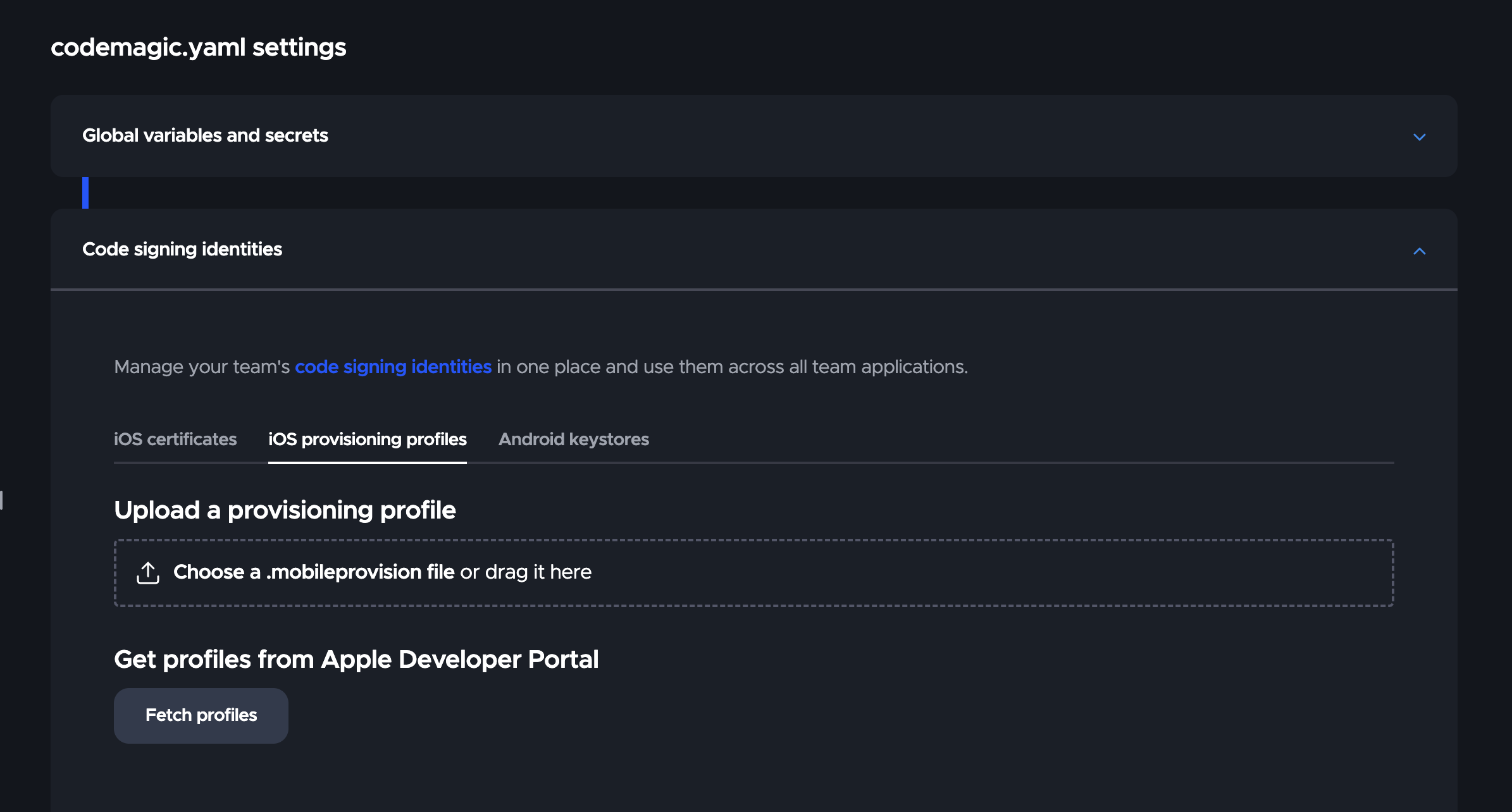
Retry the build.
After uploading your provisioning profile under Code signing identities, if it shows Not uploaded ❌, please refer to this article for troubleshooting steps.